TABLE OF CONTENTS
Introduction
The e-learning platform is a web-based programme that offers introductory courses on topics stakeholders may be required to understand when navigating TMS.
The platform is a continuous training tool that can be used to train new TMS users and to support learners as their roles and responsibilities change over time.
Each course lets learners work through the content at their own pace and may include videos, practice sessions and case scenarios to support different learning styles.
To access the platform, navigate to https://education.fifatms.com/login/ and follow the applicable steps based on your TMS status.
No TMS account
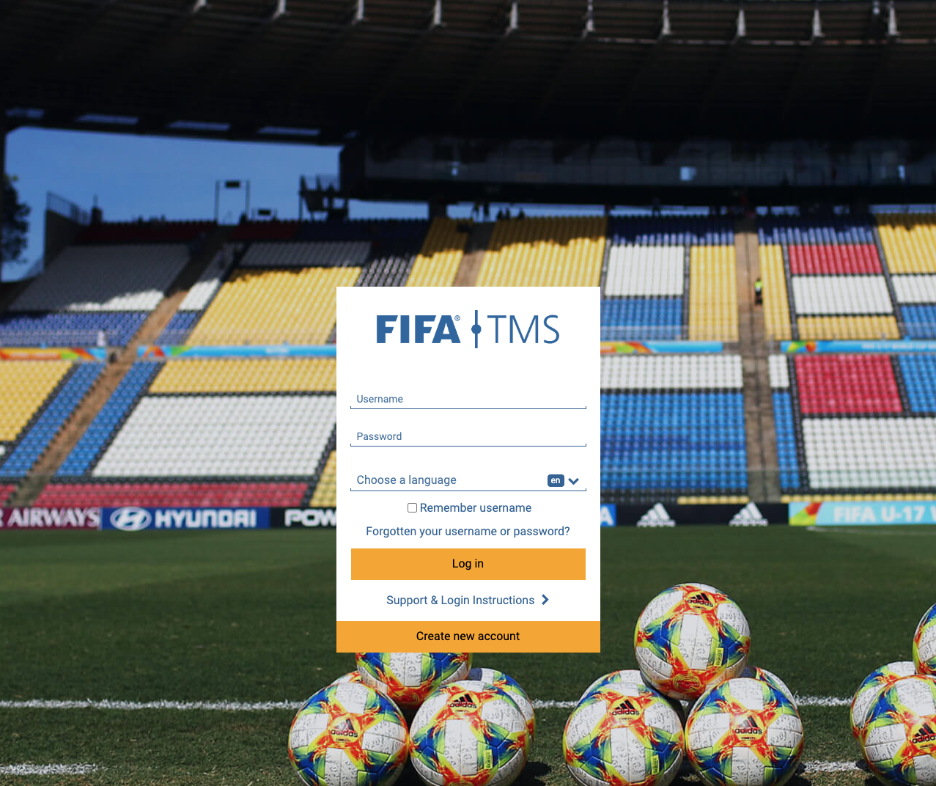
If you do not have an active TMS account, create an account on the e-learning platform by self-registering. On the main login page, select “Create an account”. Create a username and password to access the platform.
Use the same email address for your e-learning account as you would use when requesting a TMS account, if applicable. This will prevent the creation of duplicate e-learning accounts when you gain access to TMS.
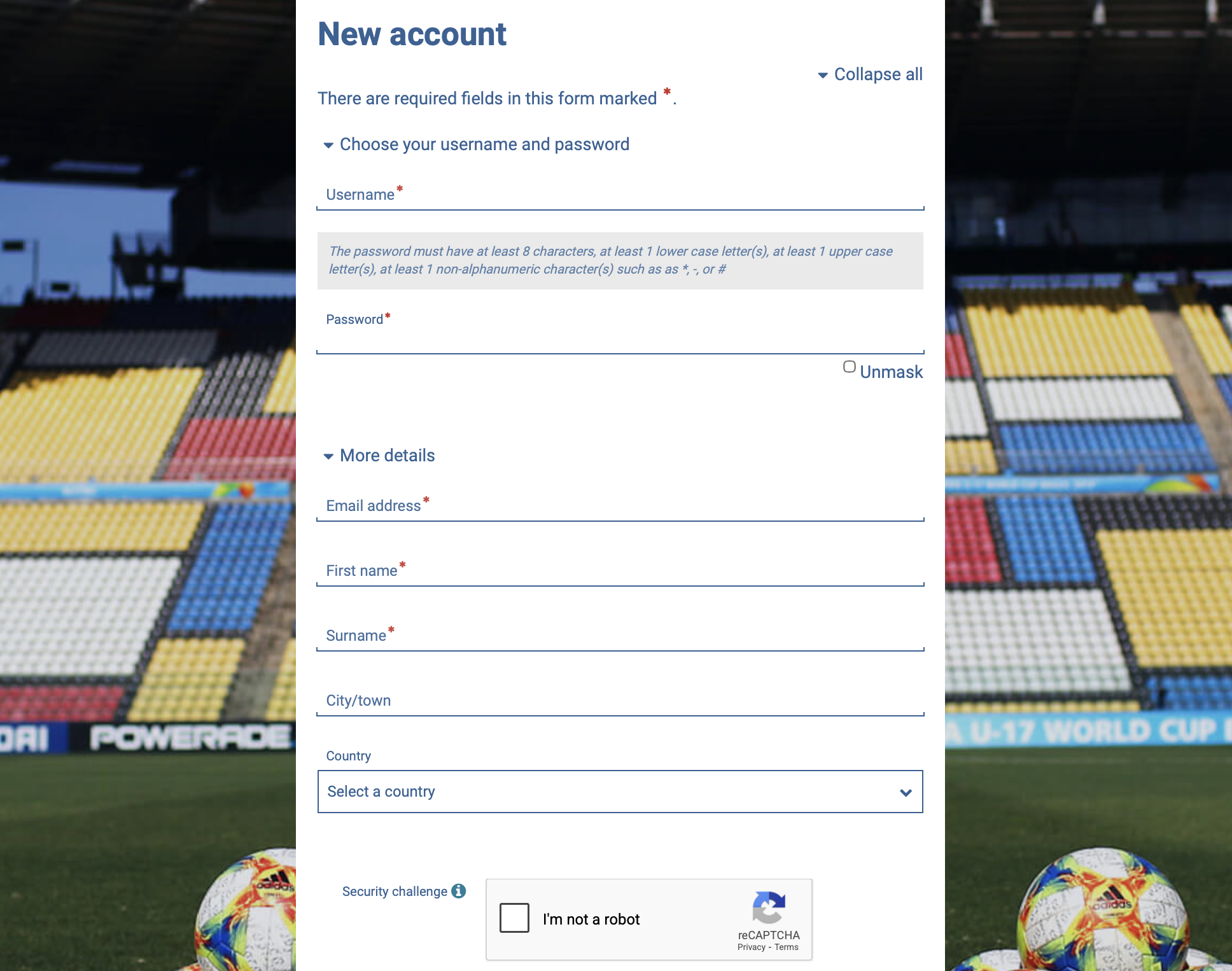
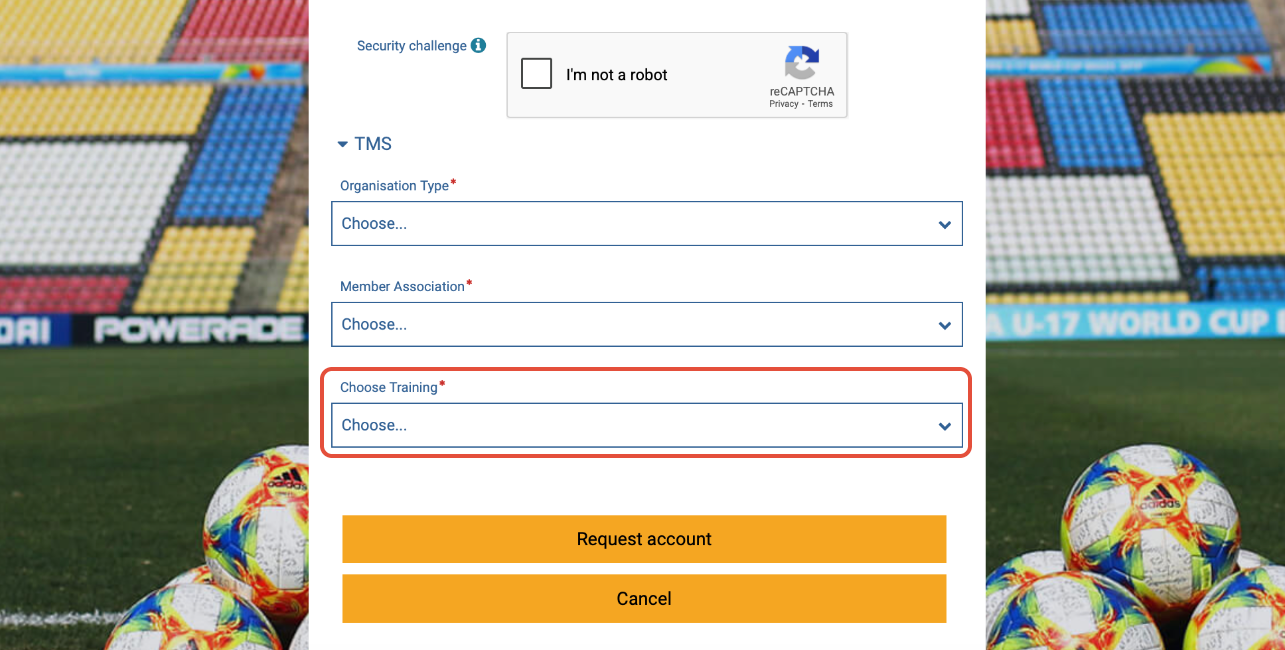
At the bottom of the self-registration form, select the learning path that most closely matches your role. The system will then enrol you in that learning path.
Active TMS users
First-time access to e-learning
If you have an active TMS account and are accessing the e-learning platform for the first time, an e-learning account is created automatically for you. Use the following login details to proceed:
- Username: email address linked to your TMS account
- Password: TMSlearning@1
Click “Log in” to access the tool. You will be asked to set a new password when you log in for the first time.
After logging in for the first time, use your email address and new password to access the tool.
For existing e-learning users
If you have an existing e-learning account and later gain access to a TMS account with the same email, a new account will not be automatically created for you on the e-learning platform. To log in, simply use your existing email address and previously established password.
Password reset
If you have forgotten your password, click on “Forgotten your username or password?”.
Enter your username (this is the email address linked to your TMS account) and click on “Search”. You will receive a new activation link by email.
Once you have successfully accessed your account on the platform, you may begin enrolling in and reviewing the training content available. For more information, see “Navigating the e-learning platform”.